Settings
The Settings tab allows you to configure various joystick settings.
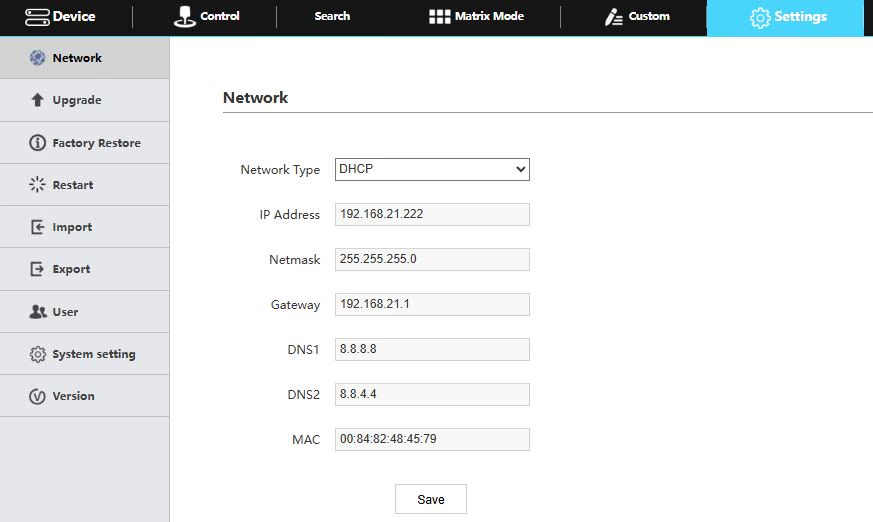
Network
Allows configuration of the joystick’s network configuration (DHCP / Static IP)
- Options include: DHCP or Static IP Address, Subnet Mask, Gateway, DNS1, & DNS2.
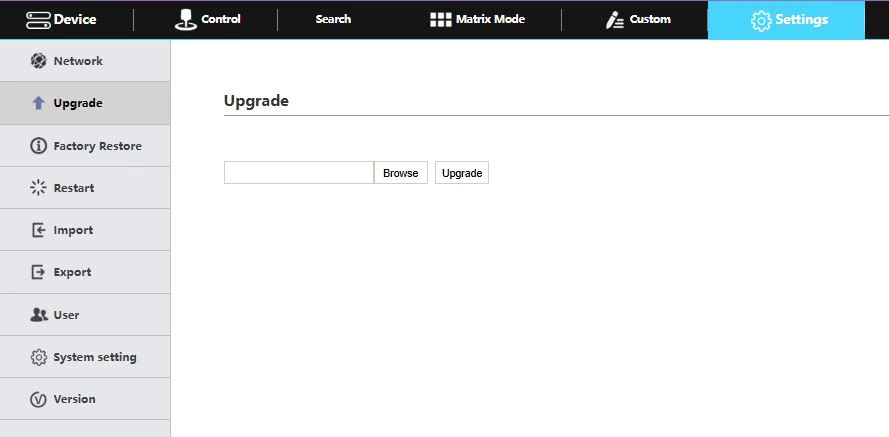
Upgrade
Upgrade the joystick’s firmware to the latest version.
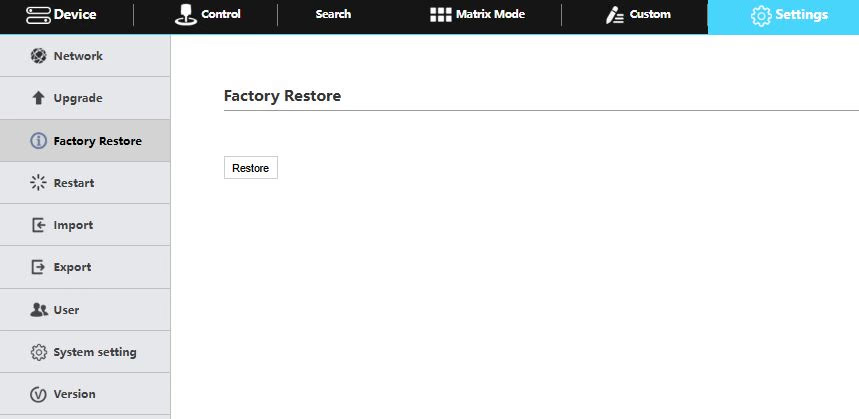
Factory Restore
Restored the joystick to factory default settings.
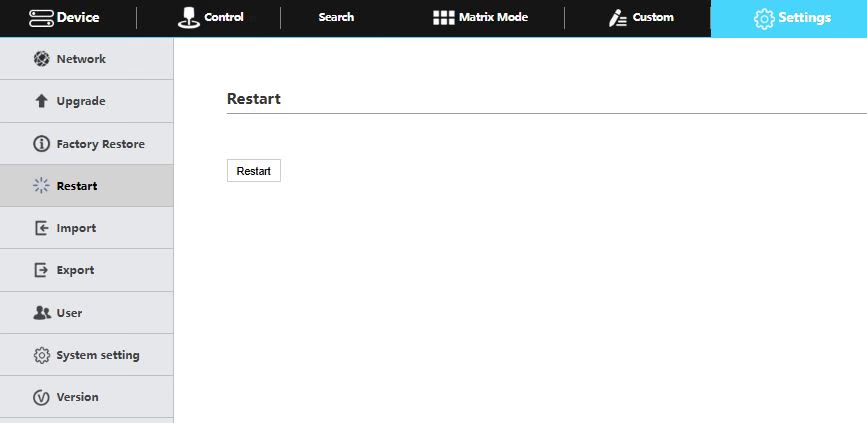
Restart
Restart the joystick.
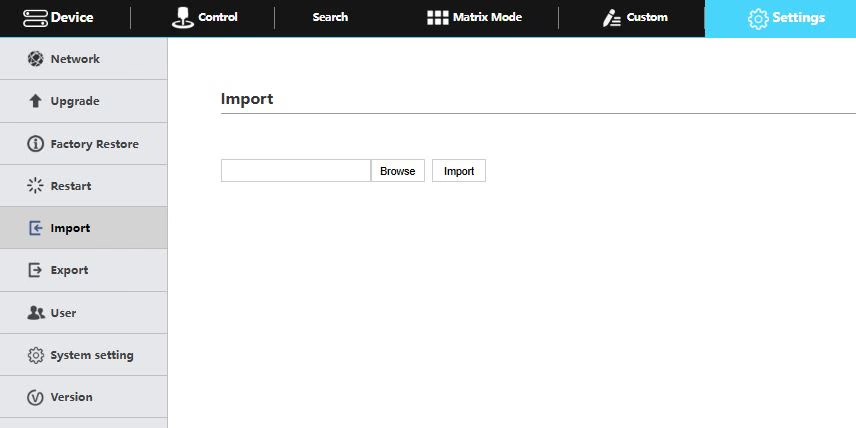
Import
Import joystick settings from PC.
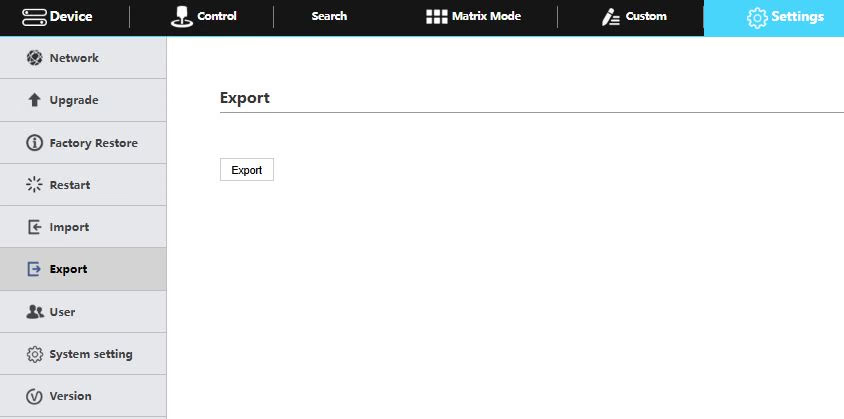
Export
Export joystick settings to PC.
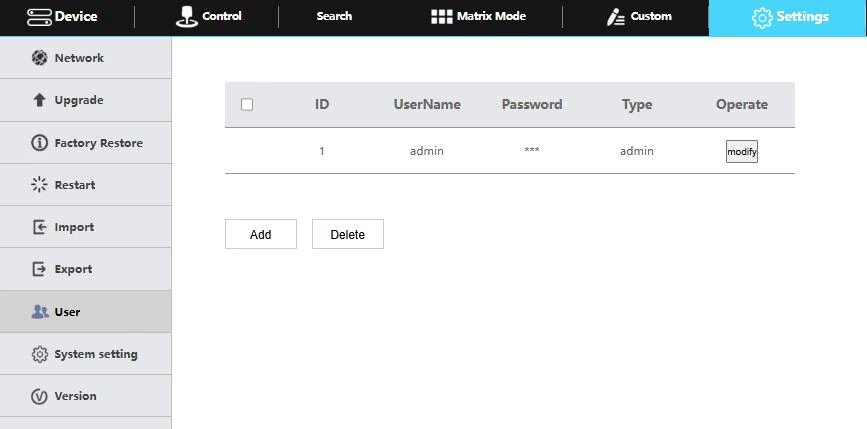
User
Add or edit admin and guest login credentials.
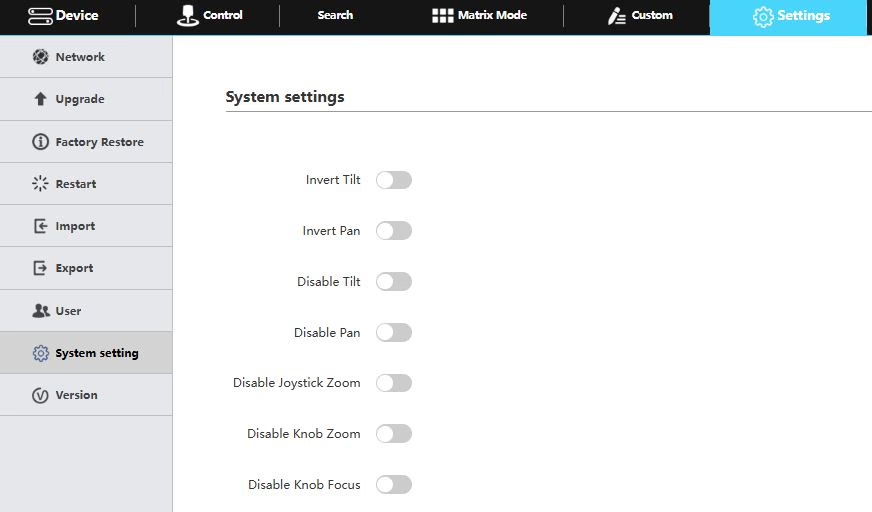
System Settings
Invert Pan and/or Tilt, Disable Pan, Tilt, and/or Zoom on the joystick, & disable knob zoom and/or focus.
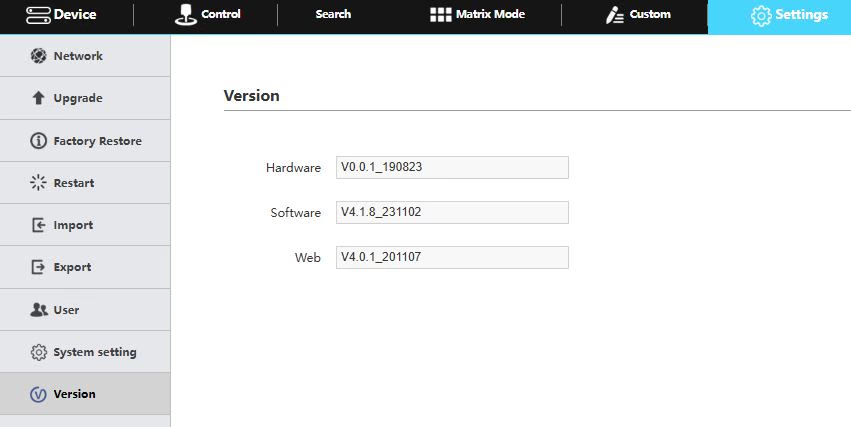
Version
Displays the Hardware, Software, and Web firmware versions on the joystick.