Logging In
Login
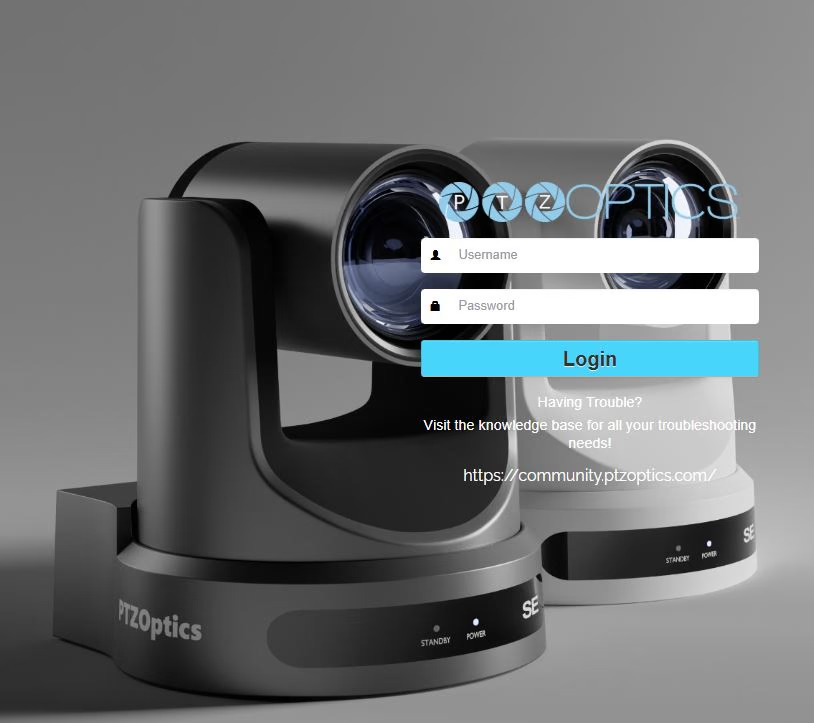
- Open up a web browser.
- Enter "ptzoptics.local" or the camera's IP address into the search bar and press enter.
- This will bring you to the Login screen.
- If this is your first time logging in, a prompt will appear to enter a new custom password.
- Once logged in, you will be brought to the home screen.