Output: AVoIP
Output > AVoIP configures all IP streaming and network discovery protocols across five tabs in order: RTMP, SRT, RTP/RTSP, ONVIF, and NDI®. For protocol selection guidance and receiving-software workflows, see Streaming.
Stream encoding parameters (codec, resolution, bitrate, frame rate, and GOP) for Stream 1 and Stream 2 are configured in Output: Video.
RTMP
The RTMP tab provides two independent push-streaming blocks—Stream 1 and Stream 2—so you can stream either or both encoded streams to RTMP or RTMPS destinations simultaneously.
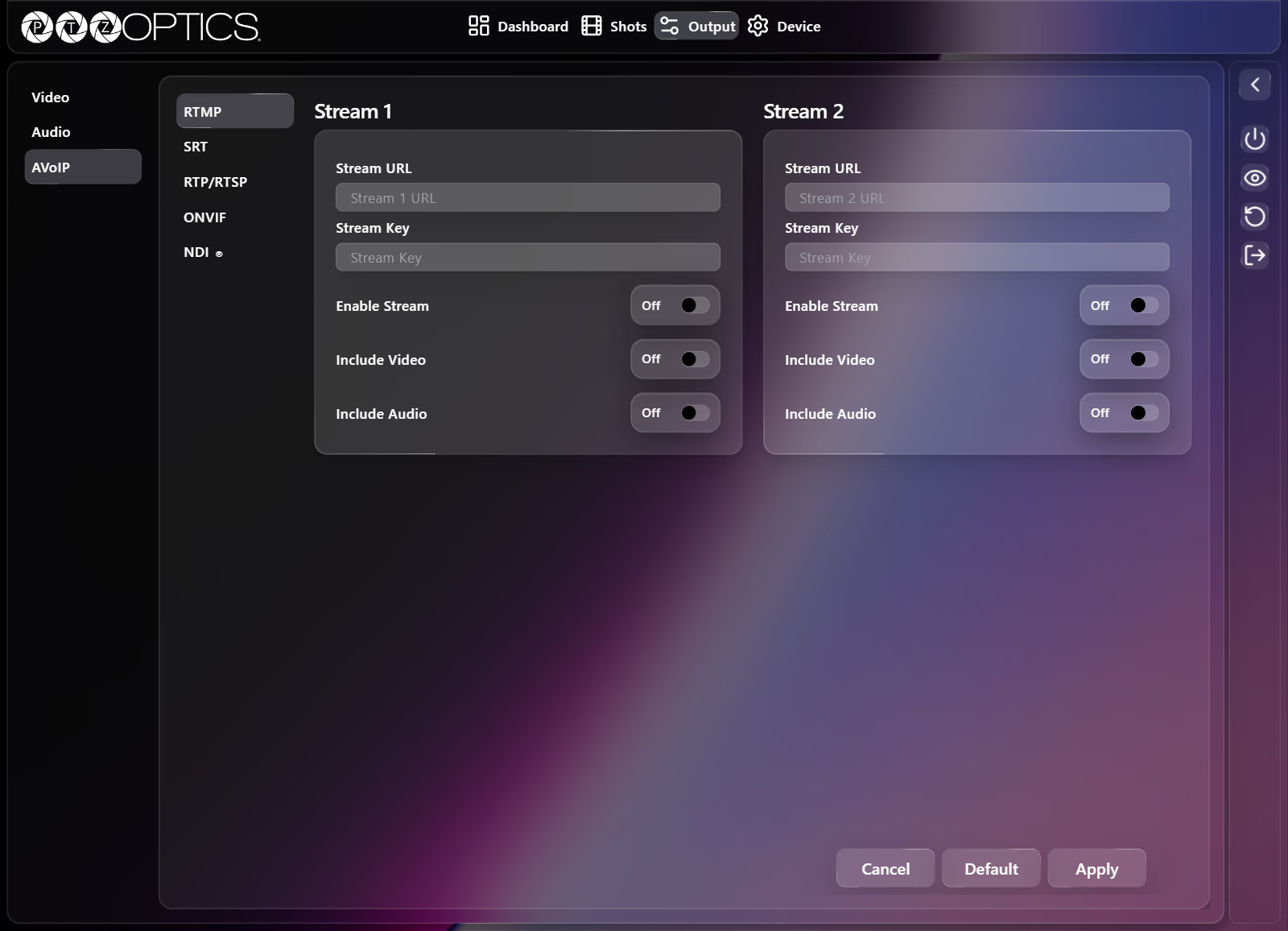
| Setting | Control | Options or Notes |
|---|---|---|
| Stream 1 — Stream URL | Text field | Ingest server URL for Stream 1 (placeholder Stream 1 URL). |
| Stream 1 — Stream Key | Text field | Stream key for Stream 1 (placeholder Stream Key). |
| Stream 1 — Enable Stream | Switch | On, Off |
| Stream 1 — Include Video | Switch | On, Off |
| Stream 1 — Include Audio | Switch | On, Off |
| Stream 2 — Stream URL | Text field | Ingest server URL for Stream 2 (placeholder Stream 2 URL). |
| Stream 2 — Stream Key | Text field | Stream key for Stream 2 (placeholder Stream Key). |
| Stream 2 — Enable Stream | Switch | On, Off |
| Stream 2 — Include Video | Switch | On, Off |
| Stream 2 — Include Audio | Switch | On, Off |
SRT
The SRT tab configures Secure Reliable Transport streaming in either Listener or Caller mode.
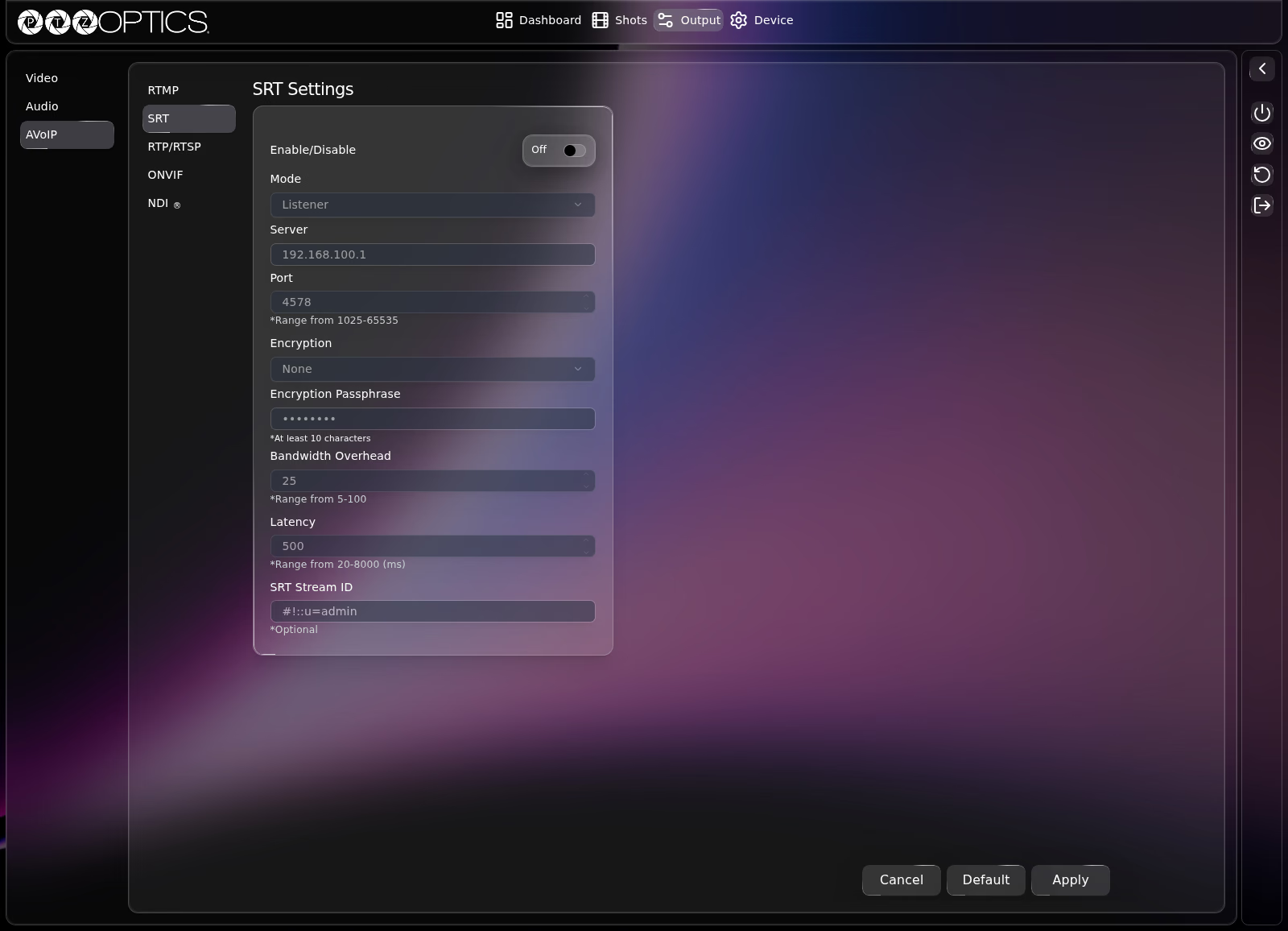
SRT Settings
| Setting | Control | Range or Options |
|---|---|---|
| Enable/Disable | Switch | On, Off |
| Mode | Dropdown | Listener, Caller |
| Server | Text field | Destination IP address or host (used in Caller mode) |
| Port | Number field | 1025 to 65535 |
| Encryption | Dropdown | None, AES-128, AES-192, AES-256 |
| Encryption Passphrase | Password field | At least 10 characters (enabled when Encryption is not None) |
| Bandwidth Overhead | Number field | 5 to 100 |
| Latency | Number field | 20 to 8000 ms |
| SRT Stream ID | Text field | Optional stream identifier (used in Caller mode) |
Field Dependencies
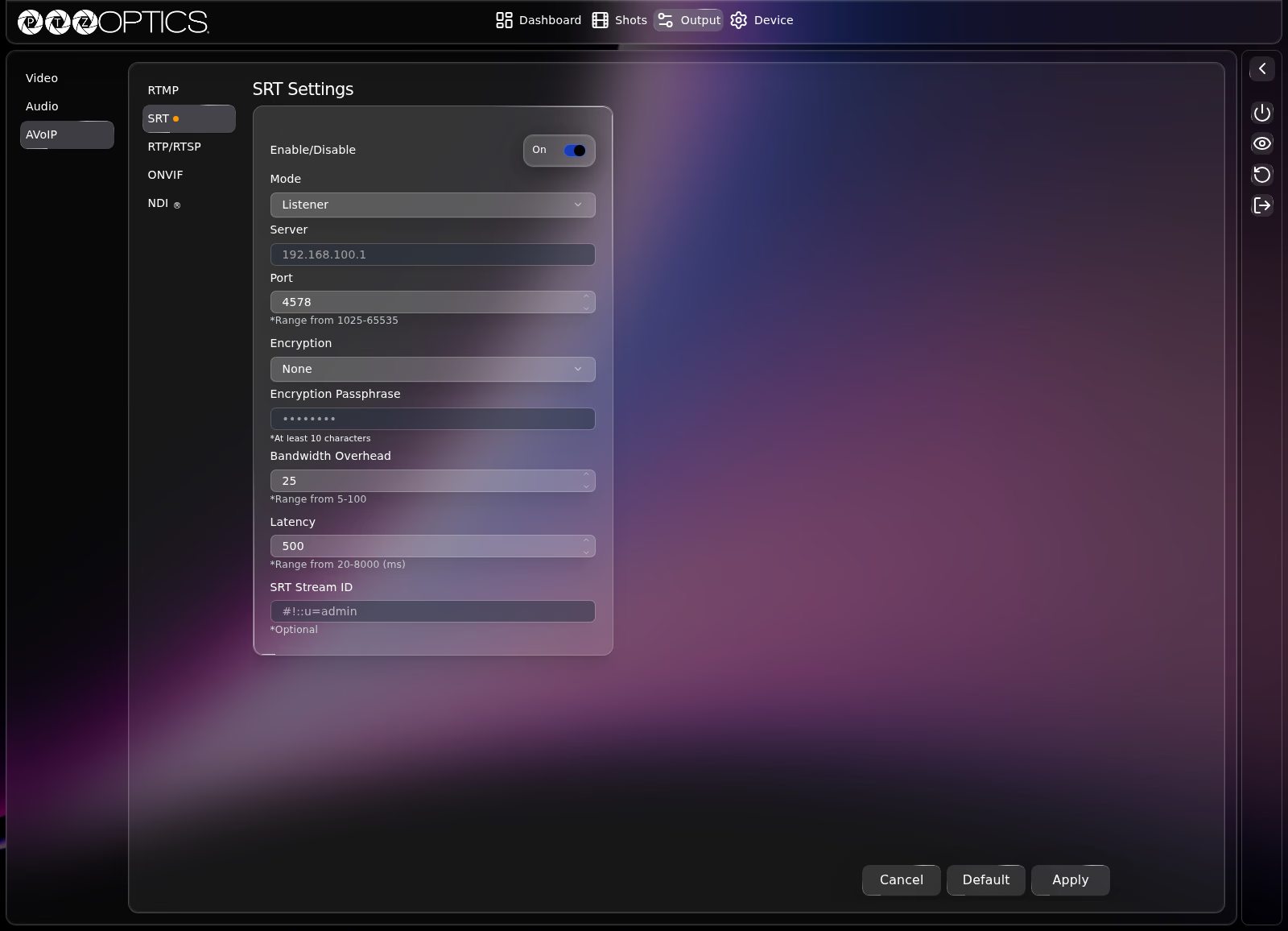
While Enable/Disable is Off, all SRT configuration fields below it are disabled. Toggling Enable/Disable to On unlocks Mode, Port, Encryption, Bandwidth Overhead, and Latency immediately so you can edit them before selecting Apply. Server and SRT Stream ID remain disabled while Mode is set to Listener and become editable when Mode is set to Caller, and Encryption Passphrase becomes editable when Encryption is set to AES-128, AES-192, or AES-256.
RTP/RTSP
The RTP/RTSP tab configures unicast RTSP pull URLs and multicast RTP streaming for Stream 1 and Stream 2.
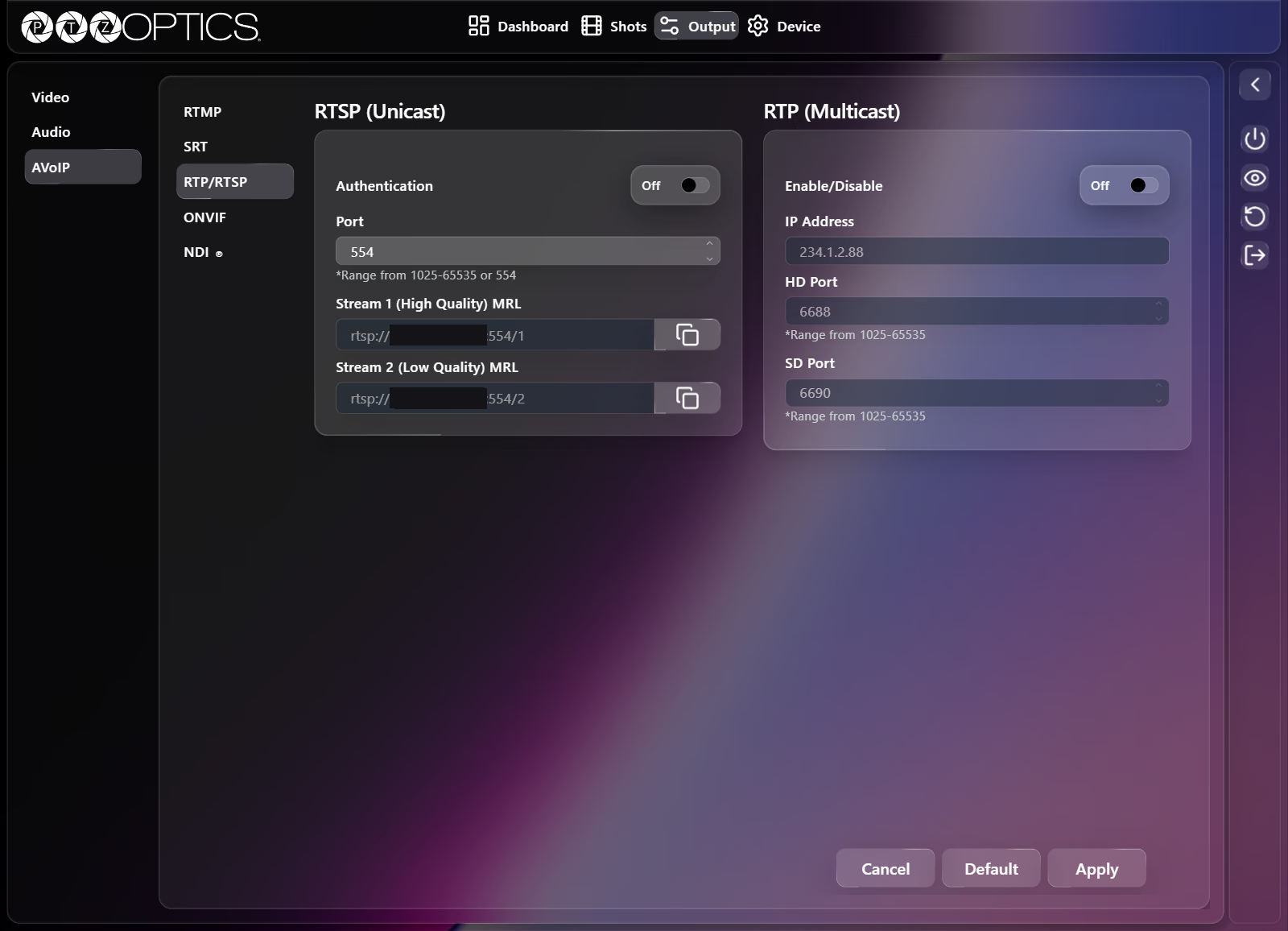
RTSP (Unicast)
| Setting | Control | Range or Options |
|---|---|---|
| Authentication | Switch | On, Off |
| Port | Number field | 554, or 1025 to 65535 |
| Stream 1 (High Quality) MRL | Read-only field with copy button | rtsp://[camera-ip]:554/1 (updates to reflect Port) |
| Stream 2 (Low Quality) MRL | Read-only field with copy button | rtsp://[camera-ip]:554/2 (updates to reflect Port) |
RTP (Multicast)
| Setting | Control | Range or Options |
|---|---|---|
| Enable/Disable | Switch | On, Off |
| IP Address | Text field (disabled while Off) | Multicast group IP address |
| HD Port | Number field (disabled while Off) | 1025 to 65535 |
| SD Port | Number field (disabled while Off) | 1025 to 65535 |
ONVIF
The ONVIF tab controls ONVIF discovery, control, and authentication:
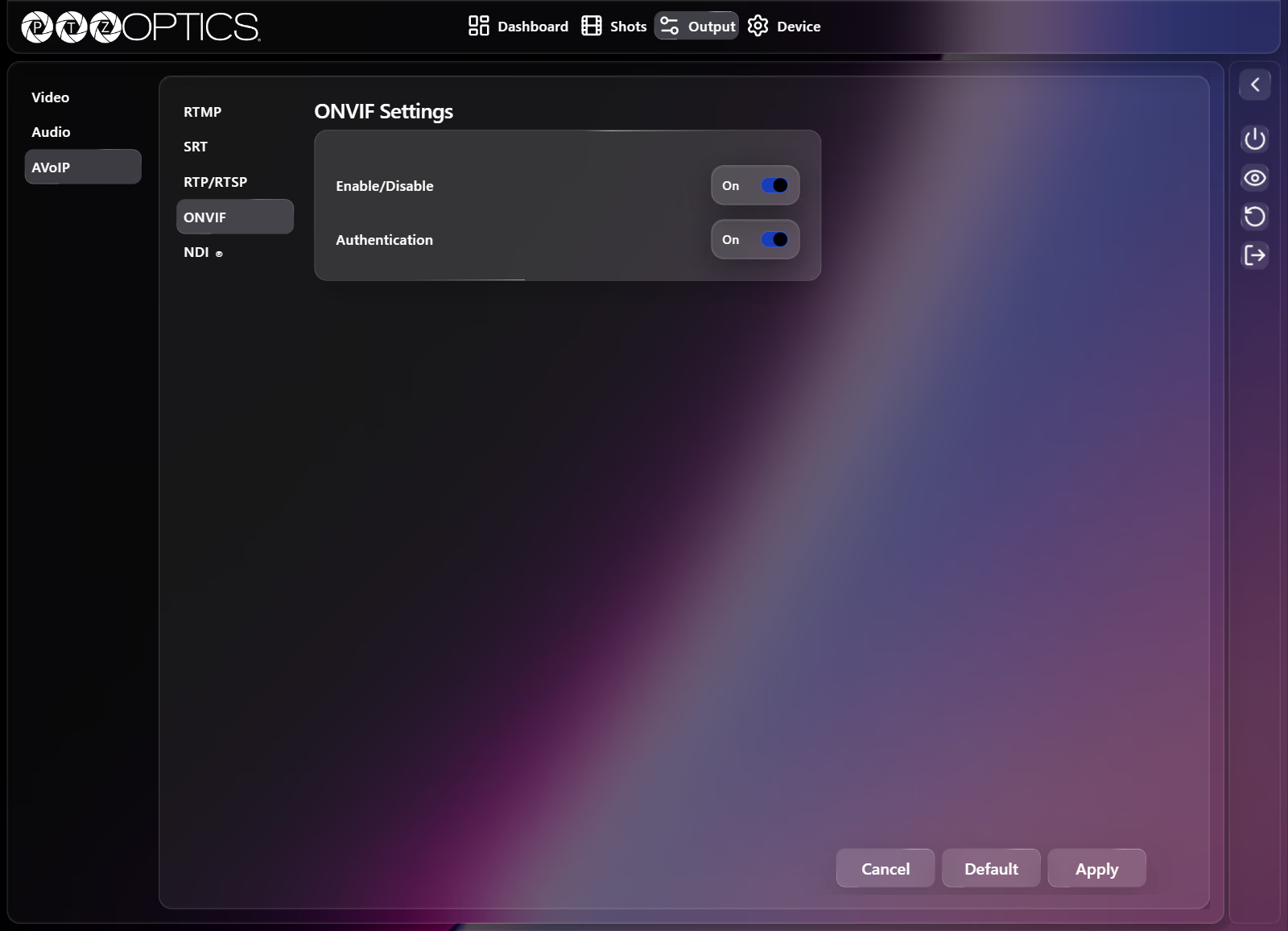
| Setting | Control | Options |
|---|---|---|
| Enable/Disable | Switch | On, Off |
| Authentication | Switch | On, Off |
NDI
The NDI® tab configures NDI source naming, groups, transport protocol, discovery server, multicast parameters, and bandwidth preset quality.
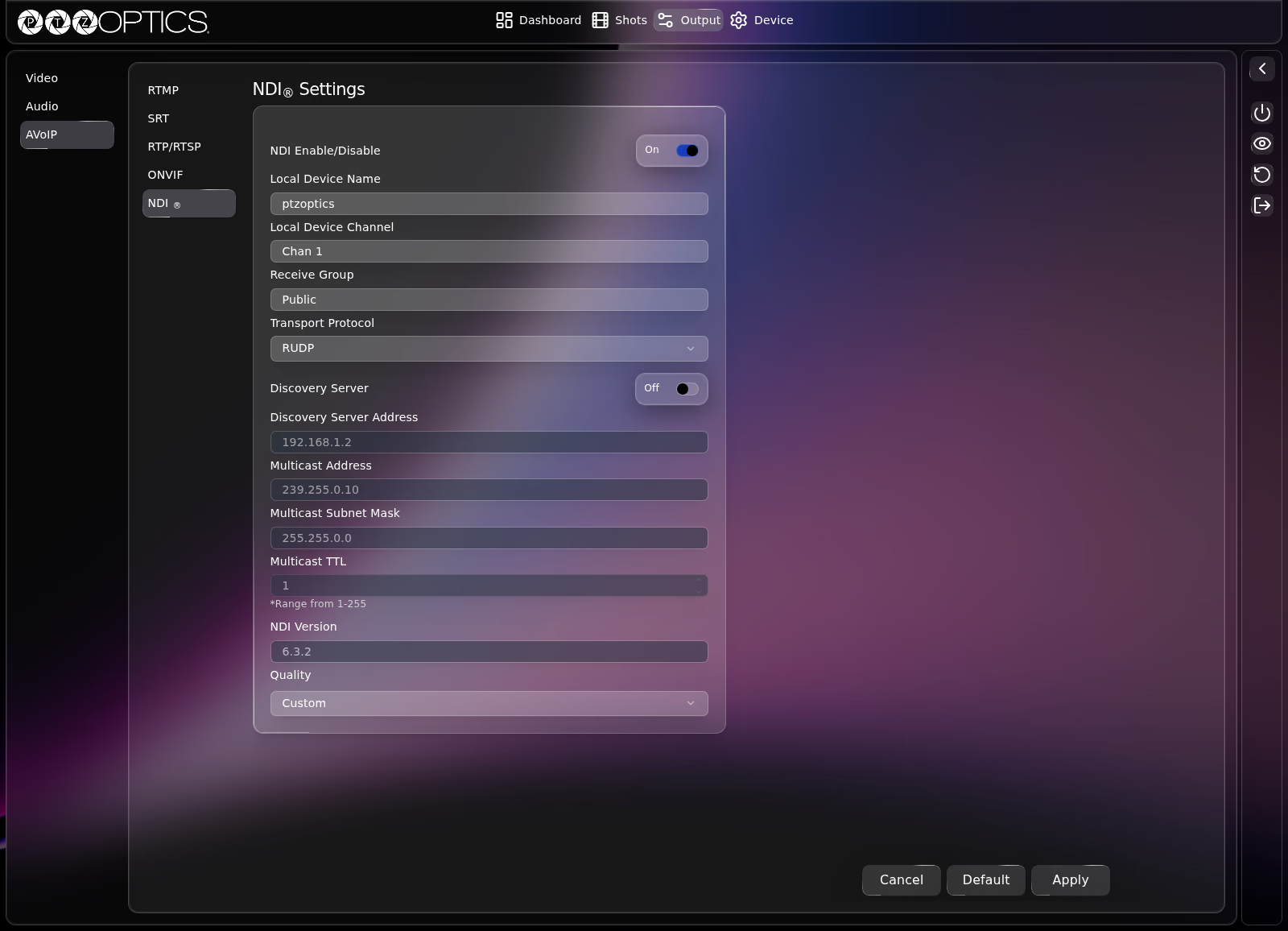
| Setting | Control | Range or Options |
|---|---|---|
| NDI Enable/Disable | Switch | On, Off |
| Local Device Name | Text field | Device name broadcast to NDI receivers |
| Local Device Channel | Text field | Channel name broadcast to NDI receivers |
| Receive Group | Text field | NDI group name(s) |
| Transport Protocol | Dropdown | RUDP, UDP, TCP, Multicast |
| Discovery Server | Switch | On, Off |
| Discovery Server Address | Text field (disabled while Discovery Server is Off) | NDI Discovery Server IP address |
| Multicast Address | Text field (disabled unless Transport Protocol is Multicast) | Multicast IP address |
| Multicast Subnet Mask | Text field (disabled unless Transport Protocol is Multicast) | Multicast subnet mask |
| Multicast TTL | Number field (disabled unless Transport Protocol is Multicast) | 1 to 255 |
| NDI Version | Read-only field | Installed NDI library version |
| Quality | Dropdown | Custom, Low, Medium, High, Ultra, NDI HX3 (synced with Video Templates > Quality in Output: Video) |