Output: Video
Output > Video configures how the Rise 4K encodes IP video streams and formats its physical HDMI/SDI and USB video outputs.
Stream 1 and Stream 2 Overview
The camera encodes two independent network video streams—Stream 1 (high-resolution primary stream up to 4K) and Stream 2 (lower-resolution secondary stream up to 720p)—configured on the IP Video tab. Physical HDMI/SDI and USB outputs use their own dedicated tabs and are not affected by Stream 1 or Stream 2 encoding settings.
Stream 1 and Stream 2 feed the following features across Horizon:
- Dashboard preview: Selected in Stream Preview under Video Tools.
- RTMP and RTSP streaming: Published via the Stream 1 and Stream 2 blocks on the RTMP and RTP/RTSP tabs in Output: AVoIP.
IP Video
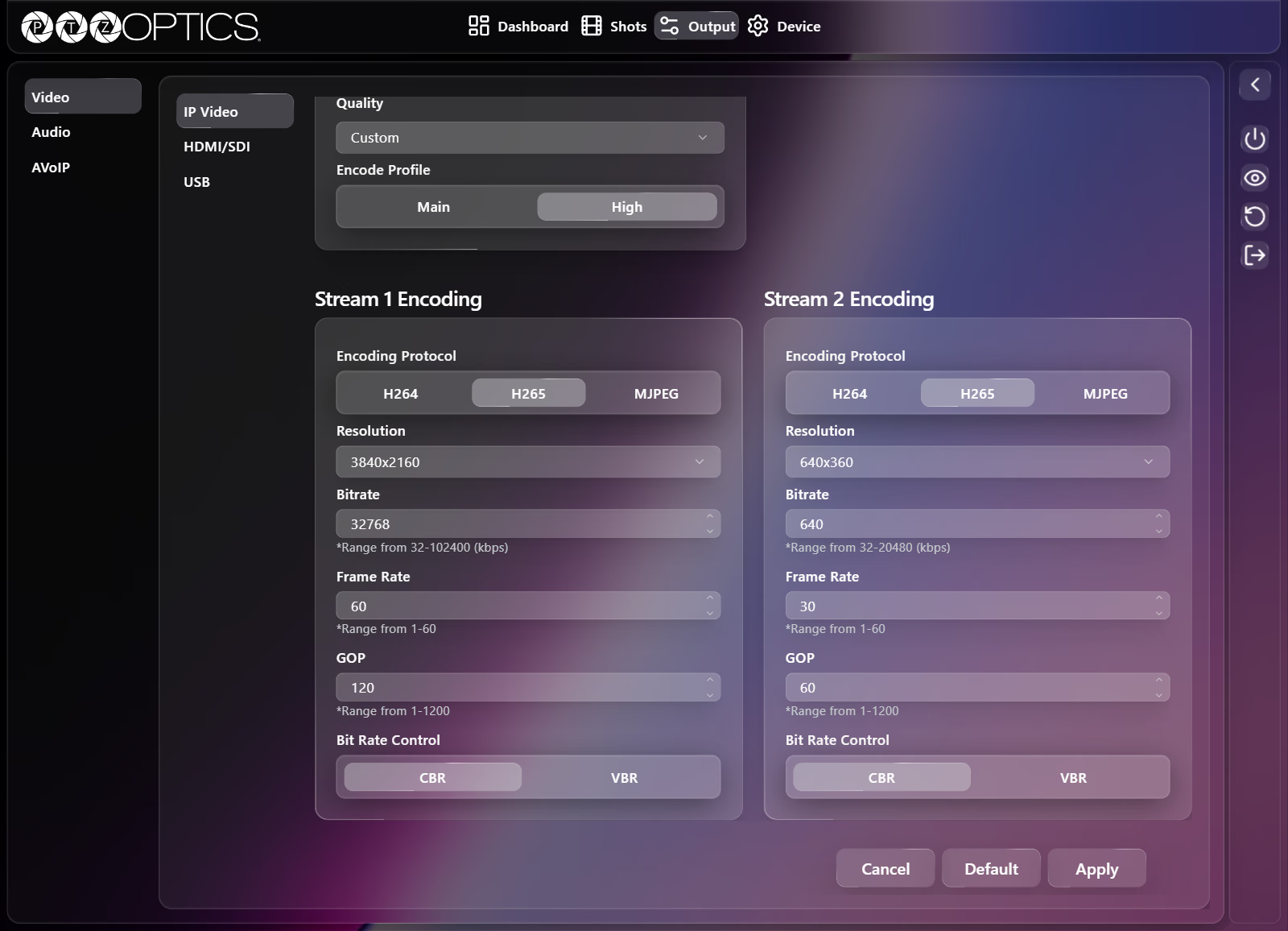
The IP Video tab scrolls vertically, with Video Templates at the top followed by Stream 1 Encoding and Stream 2 Encoding.
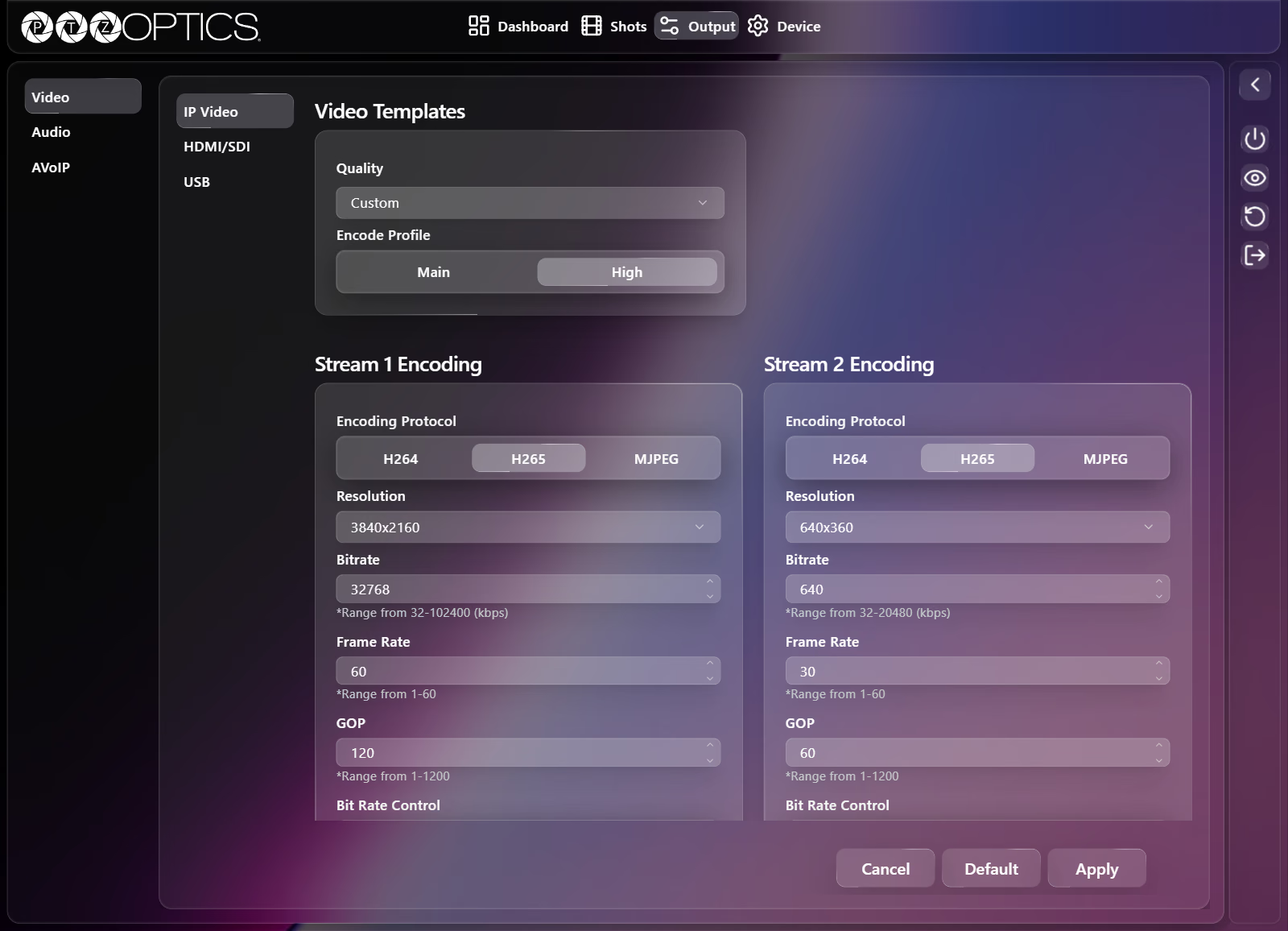
Video Templates
| Setting | Control | Options |
|---|---|---|
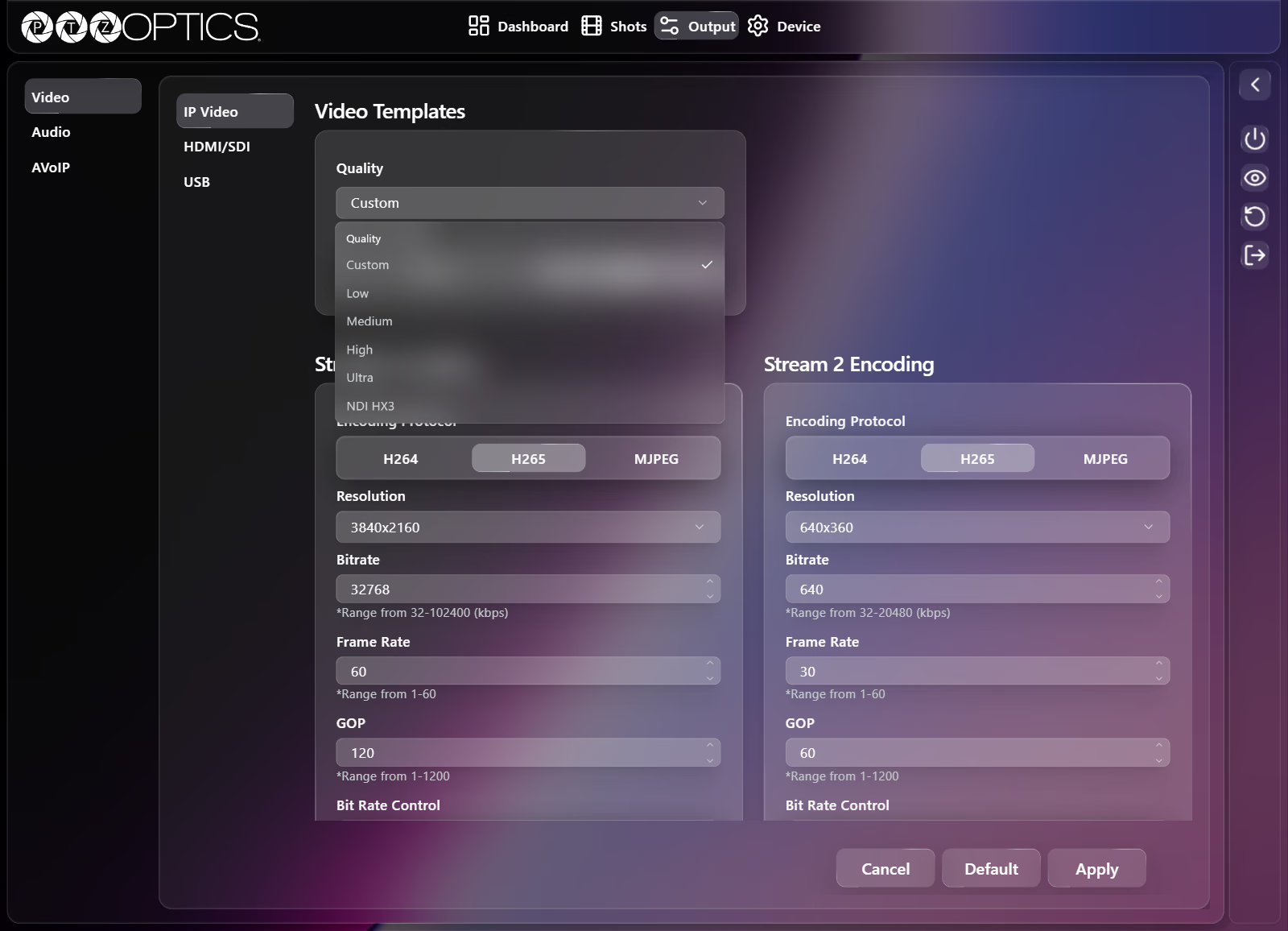
| Quality | Dropdown | Custom, Low, Medium, High, Ultra, NDI HX3 (synced with Quality on the NDI® tab in Output: AVoIP) |
| Encode Profile | Segmented buttons | Main, High |
Stream 1 Encoding
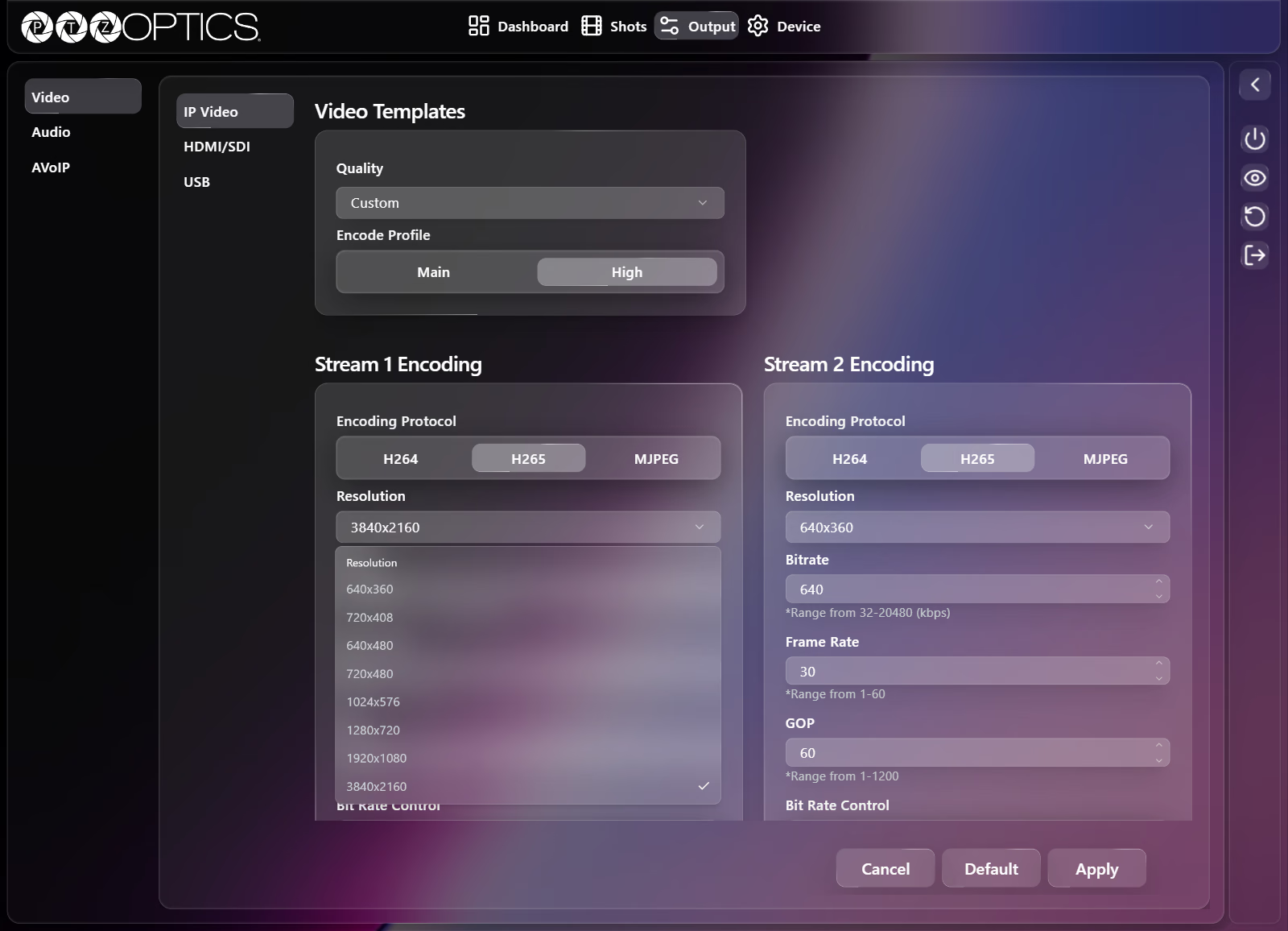
| Setting | Control | Range or Options |
|---|---|---|
| Encoding Protocol | Segmented buttons | H264, H265, MJPEG |
| Resolution | Dropdown | 640x360, 720x408, 640x480, 720x480, 1024x576, 1280x720, 1920x1080, 3840x2160 |
| Bitrate | Number field | 32 to 102400 kbps |
| Frame Rate | Number field | 1 to 60 |
| GOP | Number field | 1 to 1200 |
| Bit Rate Control | Segmented buttons | CBR, VBR |
Stream 2 Encoding
| Setting | Control | Range or Options |
|---|---|---|
| Encoding Protocol | Segmented buttons | H264, H265, MJPEG |
| Resolution | Dropdown | 320x240, 480x320, 640x360, 720x408, 640x480, 720x480, 1280x720 |
| Bitrate | Number field | 32 to 20480 kbps |
| Frame Rate | Number field | 1 to 60 |
| GOP | Number field | 1 to 1200 |
| Bit Rate Control | Segmented buttons | CBR, VBR |
HDMI/SDI
The HDMI/SDI tab sets the baseband output resolution, routes 12G-SDI between the rear BNC connector and the SFP+ cage, and configures HDMI color space and EDID adaptation. For rear-panel resolution dial behavior, see Adjusting Image Settings.
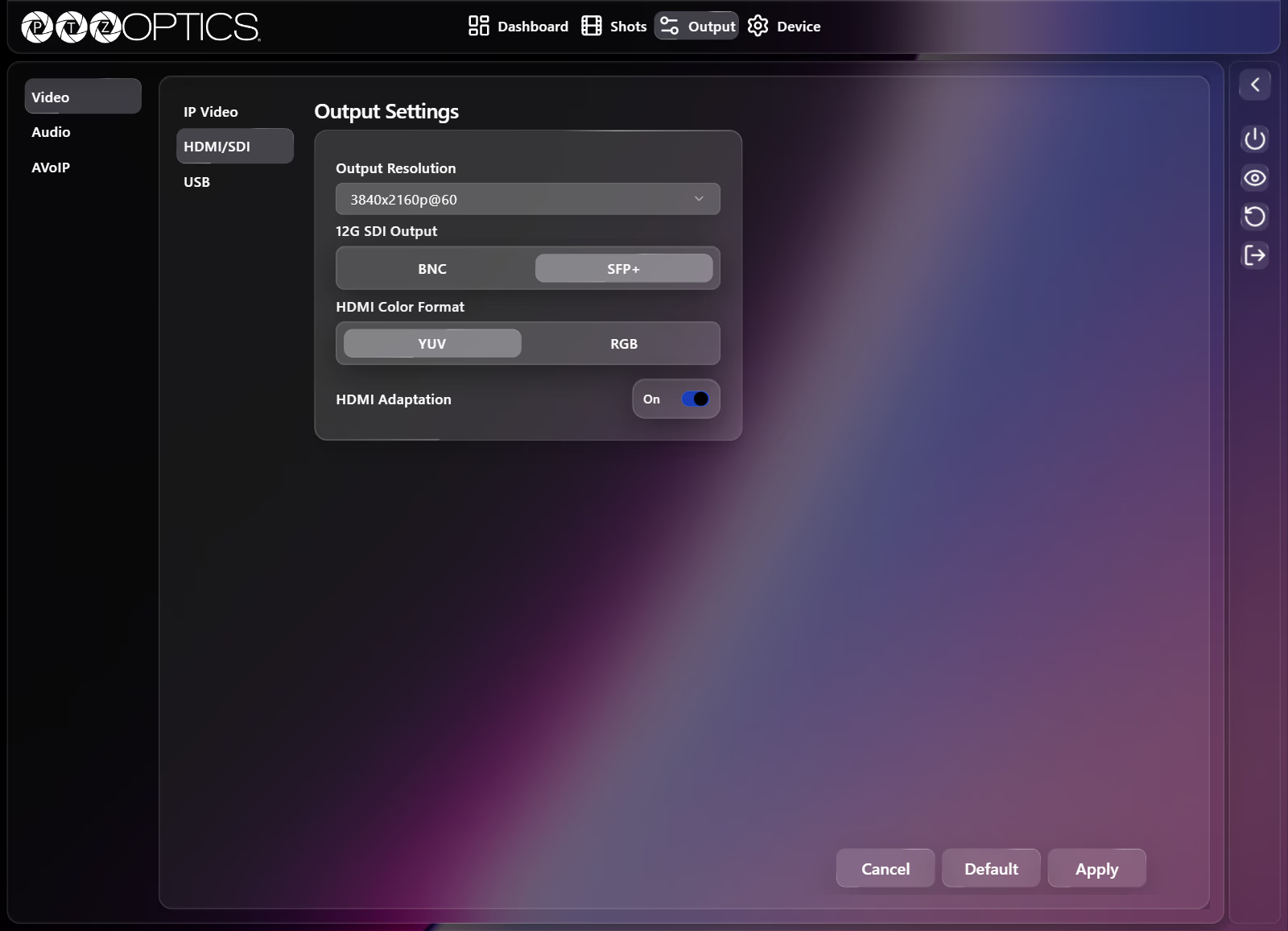
| Setting | Control | Options |
|---|---|---|
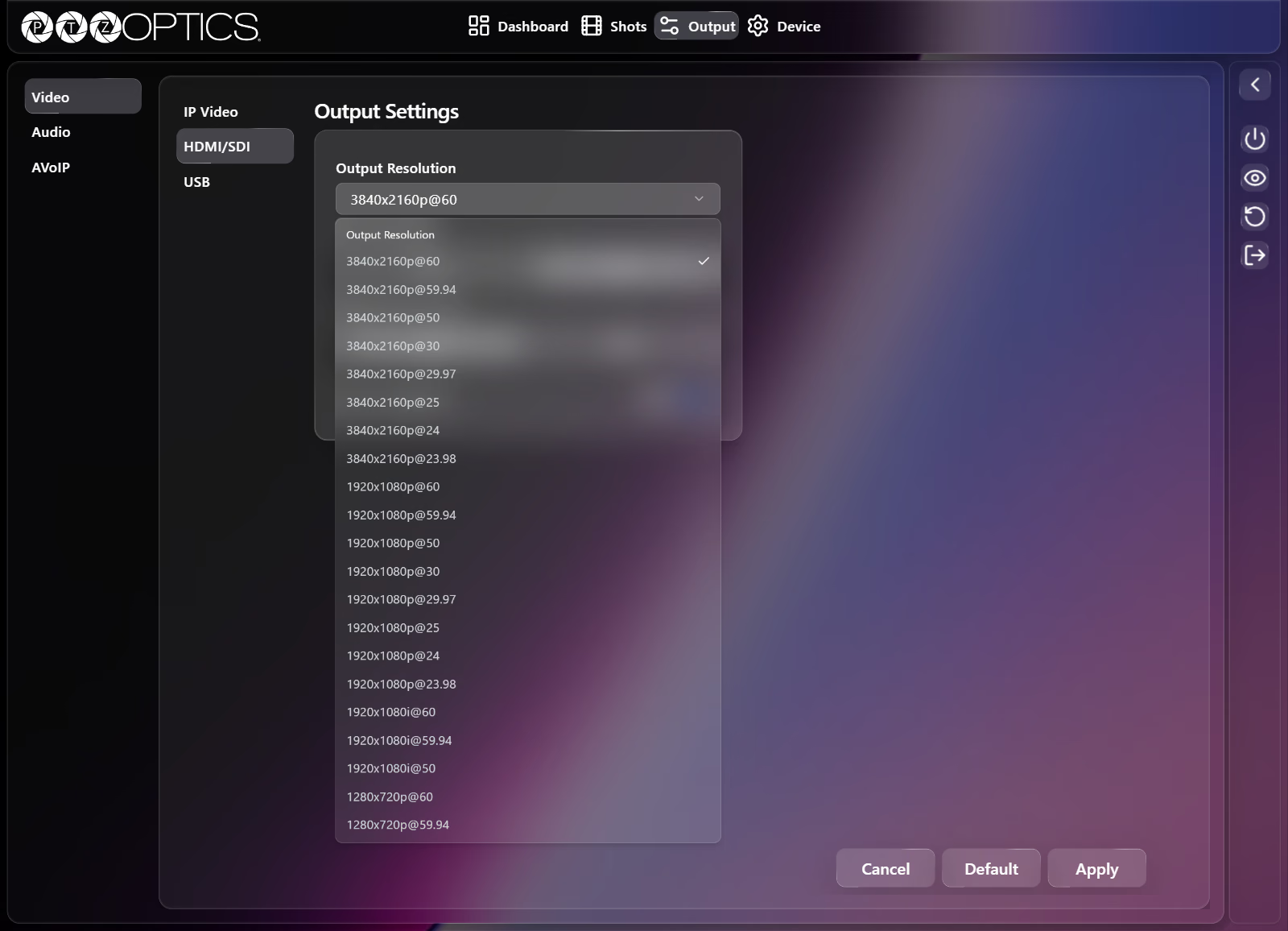
| Output Resolution | Dropdown | 21 resolution and frame-rate combinations (listed below) |
| 12G SDI Output | Segmented buttons | BNC, SFP+ |
| HDMI Color Format | Segmented buttons | YUV, RGB |
| HDMI Adaptation | Switch | On, Off |
Supported Output Resolution combinations (resolution@framerate):
| Resolution | Frame Rates |
|---|---|
3840x2160p | 60, 59.94, 50, 30, 29.97, 25, 24, 23.98 |
1920x1080p | 60, 59.94, 50, 30, 29.97, 25, 24, 23.98 |
1920x1080i | 60, 59.94, 50 |
1280x720p | 60, 59.94 |
USB
The USB tab configures the UVC video stream sent over the USB connection:
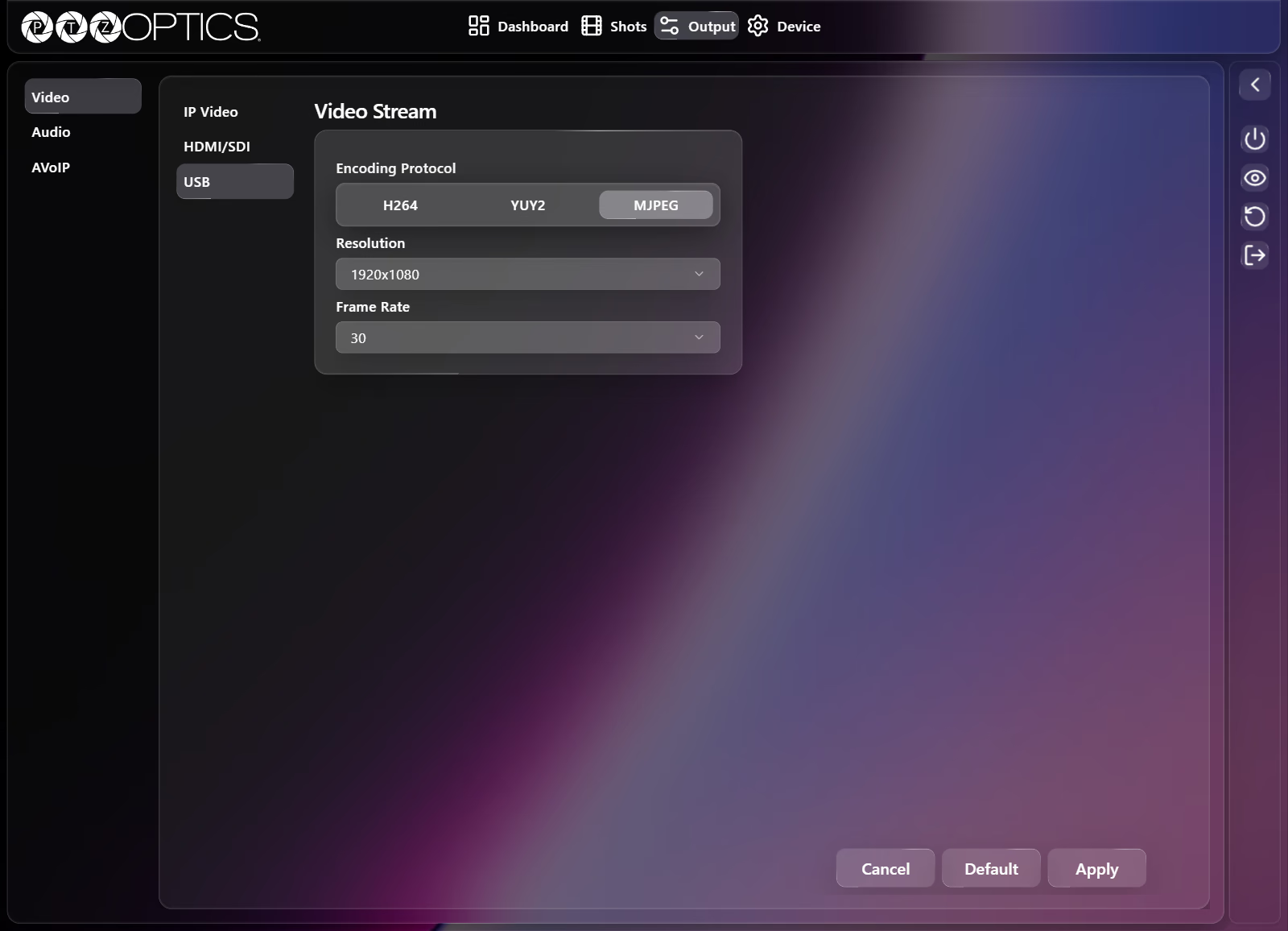
| Setting | Control | Options |
|---|---|---|
| Encoding Protocol | Segmented buttons | H264, YUY2, MJPEG |
| Resolution | Dropdown | 640x360, 640x480, 720x480, 1024x576, 1280x720, 1920x1080, 3840x2160 |
| Frame Rate | Dropdown | 5, 7.5, 10, 15, 20, 24, 25, 30, 50, 60 |